
What an AI Sales Agent on WhatsApp Actually Does (and Doesn't)
Great at fast multilingual replies, knowledge-base answers, lead qualification, and follow-ups. Not great at closing high-trust deals. Honest breakdown after a year of running them.
Let Me Be Honest About What AI Sales Agents Can and Cannot Do
There is a lot of hype around AI sales agents right now. Marketing pages promise "10x revenue" and "AI that closes deals while you sleep." Let me cut through that and tell you what actually happens when you put an AI agent on your WhatsApp.
An AI sales agent is good at a specific set of things. It is not good at everything. Understanding the boundary is the difference between a tool that makes you money and a tool that annoys your customers.
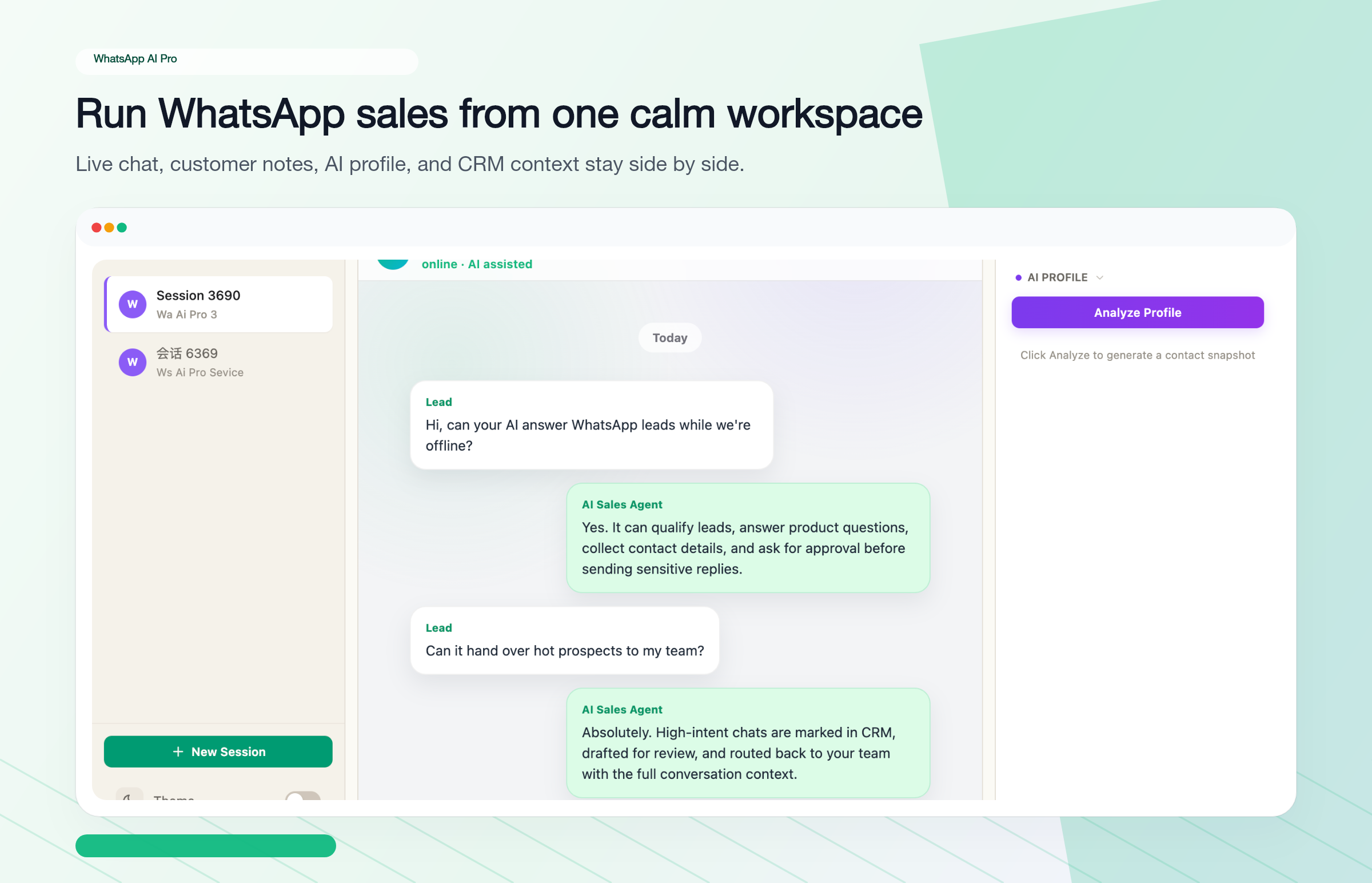
What AI Sales Agents Are Genuinely Good At
Responding fast, in any language, at any hour. This is the killer feature and it is not glamorous. When a prospect messages your WhatsApp at 2am in Portuguese, the AI responds in 30 seconds with accurate product information in Portuguese. That alone — just being fast and multilingual — accounts for most of the value.
Answering product questions from your knowledge base. Customer asks about specifications, pricing, MOQs, shipping options, certifications? The AI looks it up in the documents you uploaded and gives a specific answer. Not a template. A real answer about the actual product they asked about.
Qualifying leads so you do not waste time. The AI asks the right questions — order volume, timeline, destination, budget range — and figures out whether this is a serious buyer or someone who will never order. You only get pulled in when there is a real opportunity.
Following up without being told to. Sent a quote three days ago, no reply? The AI sends a follow-up that references the specific product and price discussed. It does this across hundreds of conversations without you having to remember anything.
Handling the repetitive 80%. Most WhatsApp sales conversations cover the same ground: what do you have, how much, can you ship to X, what is the MOQ. An AI agent handles all of this without human involvement.
What AI Sales Agents Are Not Good At
I am not going to pretend this is a magic bullet. Here is where AI falls short.
Complex negotiations. When a buyer wants to negotiate custom payment terms on a $50,000 order, the AI should hand that to you. It can detect negotiation signals and escalate, but it should not be making commercial decisions.
Relationship-dependent sales. If your business runs on 15 key accounts and every deal is a relationship play, an AI agent is not the right tool for those conversations. It is useful for the initial contact and qualification stage, but the relationship itself needs a human.
Anything beyond its training. This is important. The AI knows what you teach it. If you upload a product catalog with 200 items but forget to include your warranty policy, the AI will not know your warranty policy. It might say "I'll check and get back to you" (which is the right behavior), or it might make something up (which is the wrong behavior and happens with poorly configured setups).
Reading emotional subtext. A customer who says "we are still evaluating" might mean "you are too expensive but I do not want to say it." A good salesperson reads between the lines. AI takes things at face value.
Why Speed Is Most of the Value
The numbers behind that "responding fast" point deserve their own section, because they're brutal. Respond to a lead within 5 minutes and you're roughly 21x more likely to qualify them than if you wait 30 minutes. After an hour, close rates drop by more than 60%. By the next day, they've usually bought from someone else. On WhatsApp the effect is even sharper — it feels like texting, so buyers expect texting-speed replies, and a slow answer signals that your business is slow.
And you can't fix this with people. Your team is in one time zone; your buyers are in all of them. A buyer in Dubai messages at your 10 PM, a buyer in Brazil at your 3 AM. Weekends happen. A message arrives in Portuguese and sits there while someone figures out what it says. These are structural problems, not effort problems.
Here's what that looks like in a real head-to-head. Supplier A gets a message at 2:15 PM; the rep is busy and replies at 3:40; the customer asks a follow-up, waits another 45 minutes, and goes quiet — already talking to Supplier B. Supplier B's AI replied instantly with specs and pricing, answered the bulk-discount question in seconds, and had "I want to order 500 units" plus payment details done in 20 minutes. Same product, same price. The only variable was response time.
The Honest Case for Using One Anyway
Despite those limitations, the math still works overwhelmingly in favor of AI for most WhatsApp sales operations. Here is why.
Your sales rep handles maybe 30-50 conversations per day and works 8 hours. An AI agent handles 500+ simultaneously, 24/7. Even if the AI only handles the straightforward conversations and passes the complex ones to humans, it frees up enormous amounts of time.
Your response time drops from hours to seconds. This alone changes your conversion rate. When a buyer messages 5 suppliers and you are the one who replies in 30 seconds with a useful answer, you are starting the conversation from a position of strength.
You stop losing deals to languages your team does not speak. One agent, 90+ languages, from day one. No hiring, no outsourcing.
You stop losing deals to forgotten follow-ups. The AI follows up on every conversation, on time, every time.
The practical gain is not "10x revenue." It is: your team spends their time on conversations that matter instead of drowning in routine inquiries. That shift in time allocation is where the real ROI comes from.
How to Set It Up Without Messing It Up
Step 1: Your knowledge base is everything
The AI is only as good as what you give it. Before you do anything else, prepare:
- Product catalog with specs and pricing
- Shipping and delivery policies
- Payment terms and methods
- MOQs and volume discounts
- Your top 30 most-asked customer questions and their real answers
Do not rush this step. A bad knowledge base means the AI gives bad answers, customers get frustrated, and you conclude "AI does not work" when the real problem was your training material.
Step 2: Start with draft mode, not auto-reply
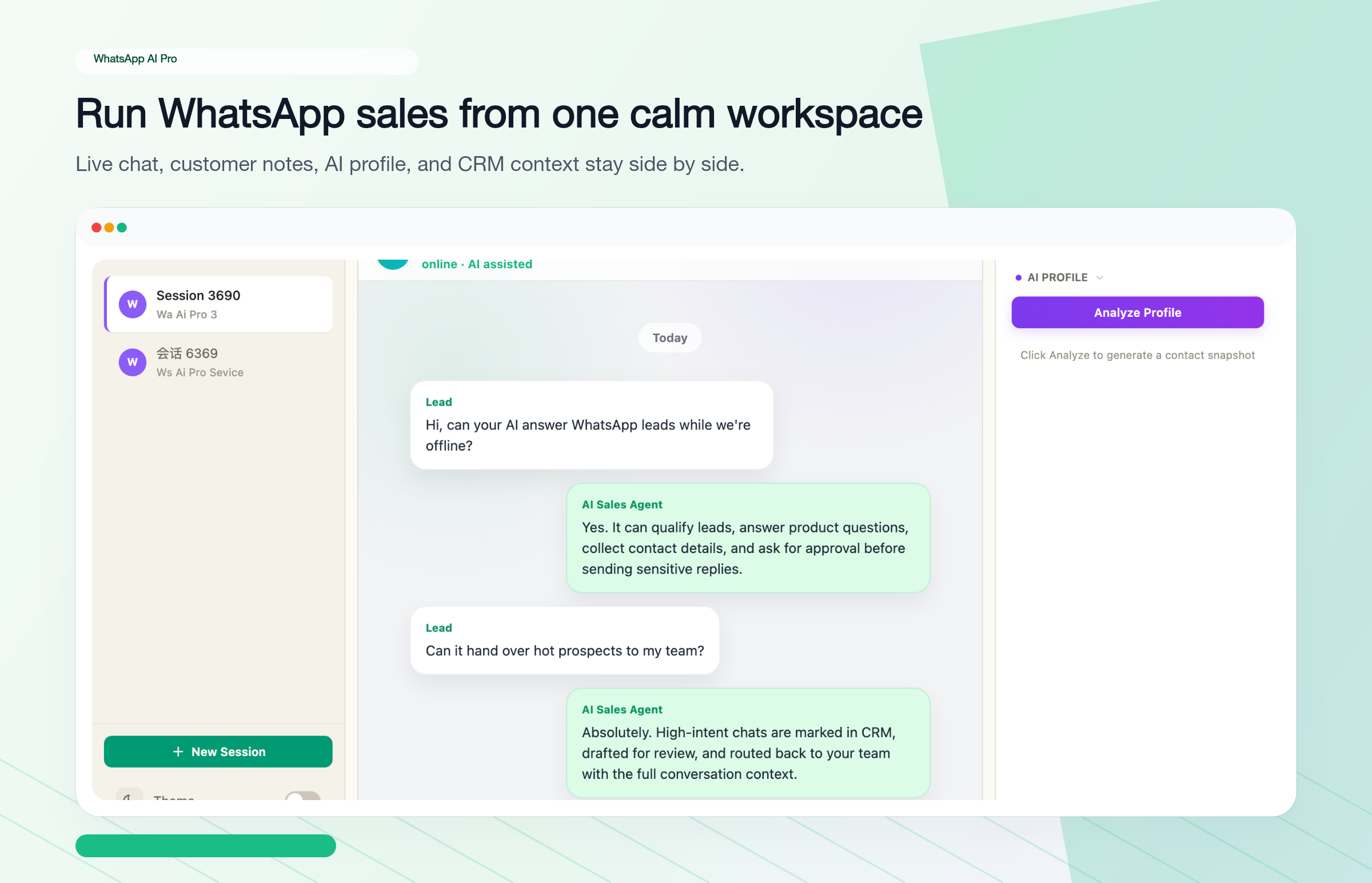
On day one, set the AI to suggest drafts. It reads the incoming message, writes a proposed reply, and waits for you to approve it. Send it with one click if it is good. Edit it if it needs adjustment.
This phase teaches you two things: where the AI is strong (probably product questions and multilingual responses) and where it is weak (probably edge cases and nuanced situations). After a week or two, you will have enough confidence to switch routine conversation types to auto-reply.
Step 3: Set clear escalation rules
Define exactly when the AI should hand off to a human. Some suggestions:
- Customer explicitly asks for a human
- Order value above a threshold you are comfortable with
- Customer mentions a complaint or problem
- Negotiation signals (asking for discounts, comparing competitors)
- Anything the AI is not confident about
A well-configured AI agent knows its limits and escalates gracefully. A badly configured one tries to handle everything and makes expensive mistakes.
Step 4: Keep improving the knowledge base
For the first two weeks, pay close attention to the conversations the AI handles. Every time it gives a wrong answer or does not know something, add that information to the knowledge base. This is an ongoing process, but the heavy lifting happens in the first 2-3 weeks.
Cloud Platform vs Desktop Agent
Two broad approaches exist and they serve different needs.
Cloud platforms (Respond.io, WATI, etc.) require the WhatsApp Business API. They offer team collaboration features — shared inbox, role assignments, integrations with other tools. They also route all your conversations through their servers. Pricing typically scales with contacts or messages, so costs grow as you grow. Best for larger teams that need shared workflows.
Desktop agents (like WhatsApp AI Pro) connect via WhatsApp Web. No API needed, no per-message fees, flat pricing. Data stays on your machine. The trade-off is it requires a computer running. For teams, Team Mode routes drafts to multiple reps through Telegram — lighter than a cloud shared inbox, but it covers the claim-and-reply workflow. Best for solo operators and small teams who want powerful AI without the infrastructure overhead.
WhatsApp AI Pro runs $49/month flat, AI-powered, reads and replies in 90+ languages, and stores everything locally. Setup takes about 15 minutes — scan a QR code, upload your knowledge base, configure your rules.
Bottom Line
AI sales agents are not a magic revenue multiplier. They are a tool that makes your sales operation faster, more consistent, and able to handle more volume than humans alone. The businesses getting the most out of them are the ones who set realistic expectations, invest in their knowledge base, and use AI to augment their team rather than replace it entirely.
If you sell on WhatsApp and you are drowning in messages, responding too slowly, or losing leads to languages you cannot handle — an AI agent will help. Start with draft mode, get your knowledge base right, and go from there.
Download WhatsApp AI Pro — set up in 15 minutes, 7-day money-back guarantee.
The complete guide: WhatsApp AI Auto-Reply: everything in one place →