
WhatsApp Automation for Exporters: What Actually Changes
Five patterns I've seen across dozens of export factories going from manual WhatsApp to AI — language barriers, the night shift, and the questions nobody tracks.
What Actually Changes When You Automate WhatsApp
I've watched dozens of export businesses go from manual WhatsApp to AI-automated WhatsApp. The "transformation" stories online make it sound like flipping a switch. It's not. But some things genuinely do change — and they change fast.
Here's what I've seen happen, in roughly the order you'll notice it.
The Language Barrier Just... Disappears
This is the first thing exporters notice, and it's the one that keeps surprising them.
Tuesday morning. Message from a Brazilian buyer in Portuguese asking about USB connector pricing. Five minutes later, a Turkish buyer asks about CE certification in Turkish. Then a Mexican buyer wants a custom logo quote in Spanish. An Arabic inquiry about shipping to Jeddah. A Vietnamese request for your latest catalog.
Before automation, this is a nightmare. You're copy-pasting into Google Translate, butchering responses, losing nuance, and taking 20 minutes per message. Or you've hired multilingual staff at $1,000-2,000/month per additional language.
With an AI agent, all five conversations happen simultaneously, each in the buyer's language, with accurate product details pulled from your catalog. You see everything translated into your language. You step in only when something needs human judgment.
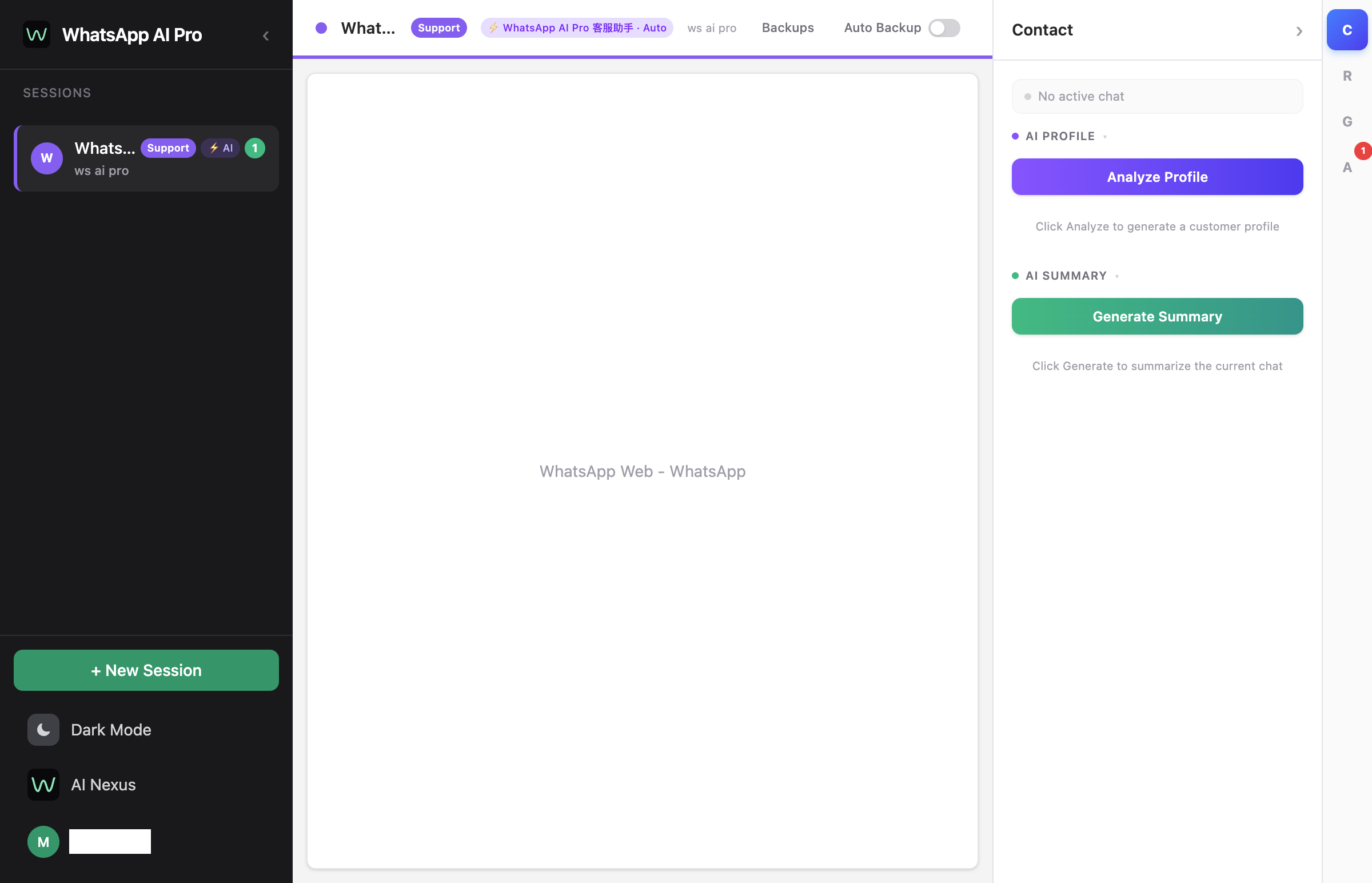
This isn't a minor improvement. For most exporters, this single change is worth the entire cost of automation.
Your Night Shift Runs Itself
Exporters live with time zone math. Your buyer in Dubai messages at their 9 AM — that's your 1 AM. By the time you wake up and reply, they've already reached out to two other suppliers who responded instantly.
An AI agent doesn't sleep. It handles the Dubai inquiry at 1 AM, the Brazilian inquiry at 3 AM, and the Turkish inquiry at 4 AM. When you open your laptop in the morning, those conversations are already two or three messages deep. Some are nearly closed.
The overnight hours go from dead time to your most productive sales period. That's a strange thing to get used to.
You Find Out What Questions People Actually Ask
This one's underrated. When a human team handles messages, the knowledge stays in people's heads. Nobody tracks that 30% of your inquiries are about shipping times to South America, or that buyers keep asking about a certification you don't mention on your website.
An AI agent surfaces these patterns because you can review every conversation. Within a couple weeks, you'll know exactly what information to put front-and-center in your catalog, what questions to add to your FAQ, and what objections your buyers care about most.
The 80/20 Split Becomes Obvious
After running an AI agent for a week, you'll see a clear pattern: roughly 80% of messages are routine. Product specs. Pricing. MOQ. Shipping info. Certification questions. Catalog requests.
The AI handles all of these. Accurately, instantly, in any language.
The other 20% — custom quotes, negotiations, complaints, large order discussions — still need you. But now you actually have time for them because you're not buried in the routine 80%.
This is the real productivity gain. Not "you do less work." You do different work. The high-value kind.
Setting It Up (It's Simpler Than You'd Expect)
The most important prep work isn't technical — it's gathering your business information into documents the AI can read.
Get these files ready:
- Product catalog with specs, pricing tiers, and MOQs
- Shipping info: times, terms (FOB/CIF/DDP), costs by region
- Payment terms, sample policy, certifications
- Company overview and production capacity
Save them as PDFs, spreadsheets, or text files. Then:
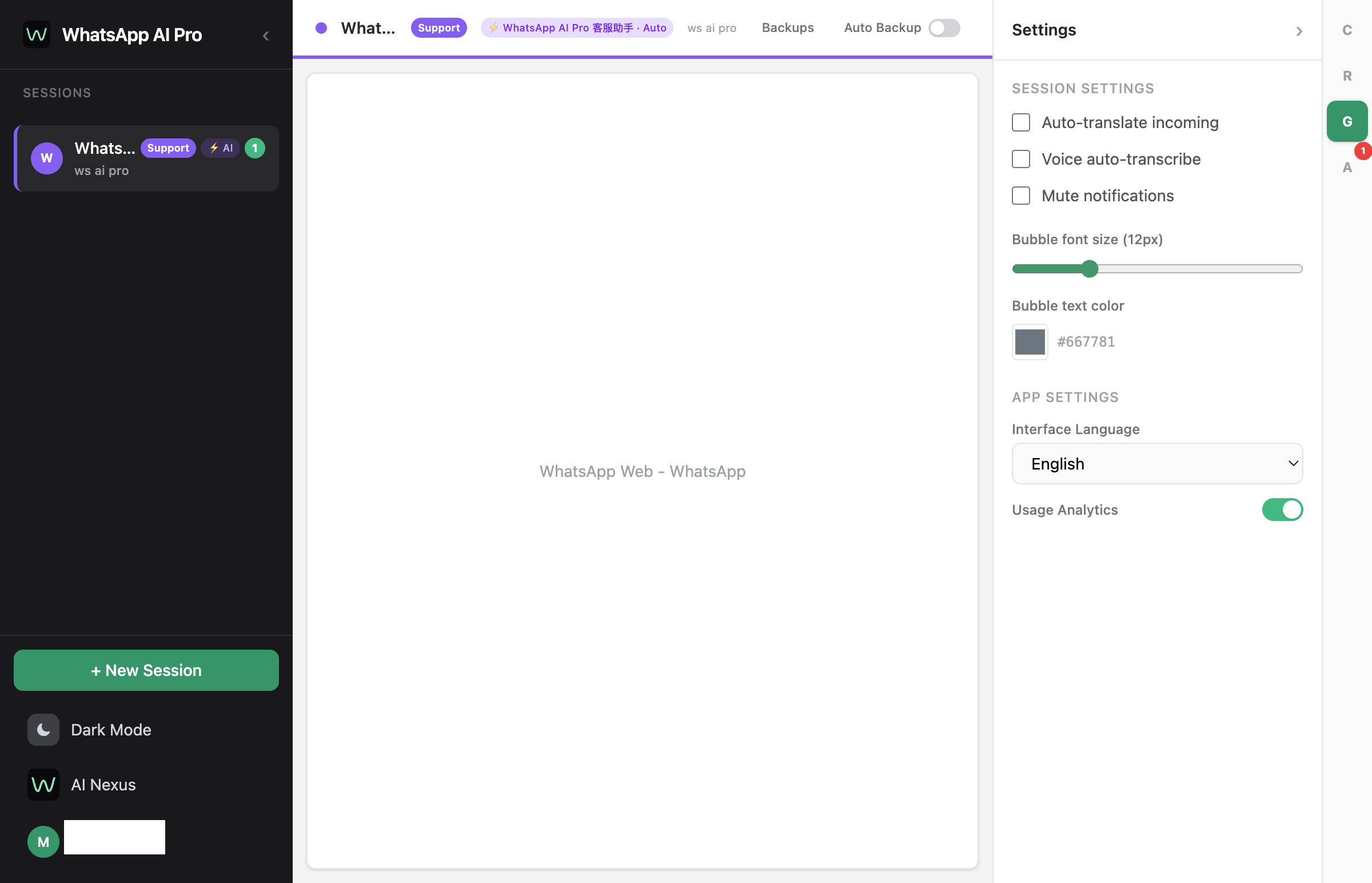
- Download WhatsApp AI Pro and connect your WhatsApp accounts via QR code
- Upload all those documents to the AI Hub (the knowledge base)
- Start in Suggest Draft mode — the AI writes reply drafts, you approve or edit before they send
Run suggest-draft for a few days. You'll quickly see where the AI nails it and where it needs better information. Update your knowledge base docs accordingly. Most exporters switch the routine stuff to full auto-reply within a week.
Things to Keep on Human Review
Not everything should be automated, even when the AI could handle it. Keep these in suggest-draft mode where you review before sending:
- Custom quotation requests (the AI might not know your latest margins)
- Orders above a certain dollar threshold
- Complaints or disputes
- Payment discussions
- Anything where the buyer has explicitly asked for a human
For everything else — product questions, shipping info, pricing, catalog requests, MOQ inquiries, certification questions — let the AI run.
The Cost Math
The traditional approach for 3-language export coverage: $4,000-8,000/month in staff costs, and you still have gaps on nights and weekends.
WhatsApp AI Pro: $99/month plus $20-80 in AI inference costs. Covers 15+ languages, 24/7, unlimited conversations.
Even accounting for the 1-2 hours a day someone on your team spends reviewing AI performance and handling escalations, the savings are substantial. And unlike hiring, scaling up doesn't cost more — the same AI handles 50 conversations or 500.
One More Thing
The exporters who get the most out of automation aren't the ones who set it up and forget it. They're the ones who spend 30 minutes a week reviewing conversations, spotting gaps in the knowledge base, and adding information the AI was missing.
Week one, the AI handles maybe 60% of inquiries confidently. By week four, it's 85%. By week eight, 95%. The remaining 5% are genuinely unique situations that need a human no matter what.
That feedback loop — review, improve, repeat — is what separates "we tried a chatbot once" from "our AI handles 200 conversations a day across 12 languages."
Download WhatsApp AI Pro — set up in 15 minutes, 7-day money-back guarantee.